
This document is the user manual of NEC VT660/VT560/VT460 projector. It mainly introduces the safety precautions of projector, including power switch, connection line plug and so on.
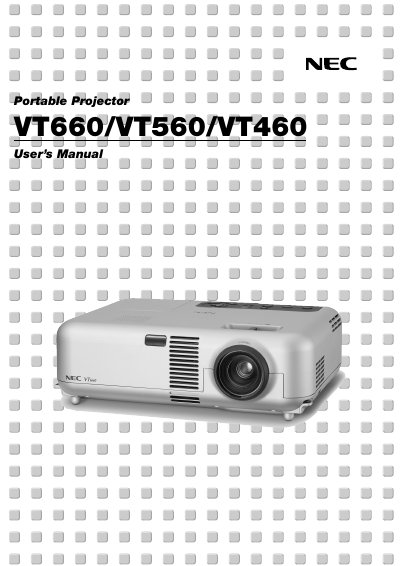
This document serves as the User's Manual for the NEC VT660, VT560, and VT460 portable projectors. It covers essential safety precautions, setup instructions, and connection methods for various input sources such as PCs, Macintosh computers, DVD players, and VCRs. The guide details how to operate the projector using the remote control and on-cabinet buttons, including features like the remote mouse function and auto keystone correction.
You must allow at least 3 inches (10 cm) of space between your projector and a wall to ensure sufficient ventilation.
You must allow a minimum of 60 seconds to elapse after turning off the projector, then disconnect power and wait 60 minutes for it to cool.
The projector is designed to operate on a power supply of 100-120 or 200-240 V 50/60 Hz AC.