
This manual describes the safety precautions for the NEC VT46 portable projector, including how to avoid electric shock and fire.
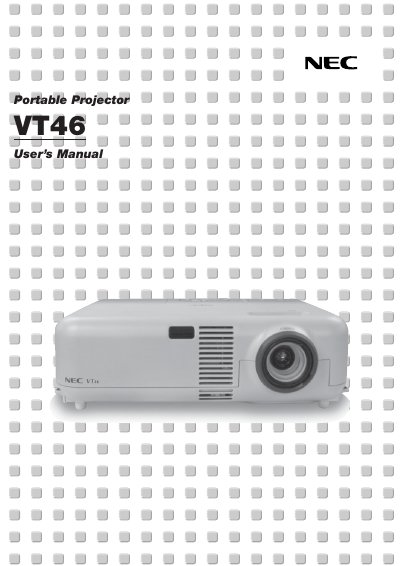
This document is the official user manual for the NEC VT46 Projector. It covers safety precautions, setup instructions, and detailed operating procedures for the device and its remote control. The guide explains how to connect various input sources, adjust picture settings via the on-screen menu, and manage power options. It also includes specific instructions for lamp replacement and routine maintenance to ensure the projector's longevity.
| Power Supply | 100-120 or 200-240 V 50/60 HzAC |
|---|---|
| Acoustic Noise | less than 70 dB (A) |
Replace the lamp immediately. Continuing to use it after the message appears may cause the bulb to shatter.
No. There are no user-serviceable parts inside, and servicing must be done by qualified NEC service personnel.
You must allow at least 3 inches (10 cm) of space between the projector and a wall to ensure sufficient ventilation.