
Key facts
Start here
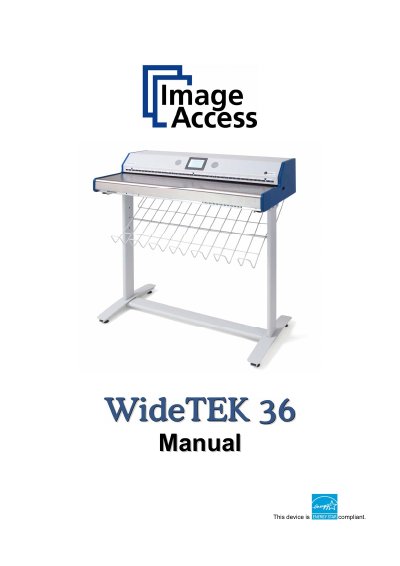
Image Access WideTEK 36 Scanner Operation Manual
The Image Access WideTEK 36 is an efficient document scanner featuring an integrated web-based user interface. This Operation Manual is designed for end users who operate the device without performing deep setup or adjustment procedures. It provides detailed descriptions of all device elements and software functions available through the touch panel menus.
The manual is divided into four sections covering hardware, software setup, troubleshooting, and technical data. Key topics include safety precautions, connecting to power sources, using the touch panel for image control and file management (JPEG, TIFF, PDF), creating scanning jobs, and performing self-tests.
Image WideTEK 36 specifications
| Maximum Document Width | 38 inch / 965 mm |
|---|---|
| Scan Width | Max. 36 inch / 915 mm |
| Optical Resolution | 1200 x 600 dpi |
| Sensor Type | 3 linear CCD, encapsulated and dust-proof |
| Scan Modes | 1bit Black/White, 8bit Grayscale, 24bit Color, 8bit indexed |
| Light Source | Two lamps with 130 white LEDs each |
| Operating Temperature | +5 to +40° Celsius |
| Voltage | 100-240V AC |
All Image WideTEK 36 documents by type
Day-to-day operation, settings and troubleshooting. Start here if the product is already set up.
Questions answered in these manuals
What is the recommended setup for using the WideTEK 36?
It is recommended to always use the WideTEK 36 in combination with the floor stand.
What are the dimensions of the scanner including the floor stand?
The total dimensions including the floor stand are 1070 x 1094 x 555 mm (H x W x D).
What is the purpose of this manual?
This operation manual leads you through all situations which will arise when using the WideTEK 36 to avoid operation errors.
What should be checked upon delivery?
You must check for damages immediately after delivery of the unit and inform your supplier if damage has occurred.