
Key facts
- Brand
- Image
- Model
- WideTEK 25
- Documents
- 2
- Languages
- EN
- Last added
- 2012-08-02
Start here
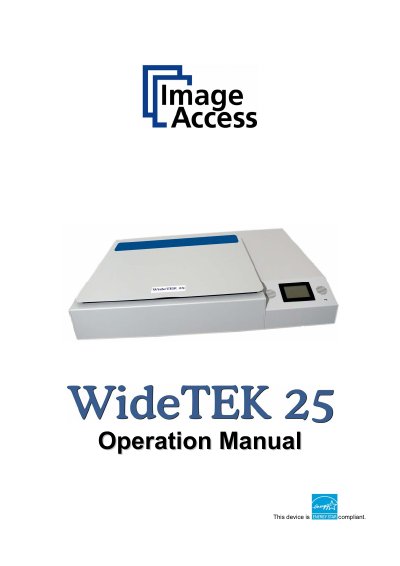
Image Access WideTEK 25 Operation Manual
The Image Access WideTEK 25 is an innovative industrial scanner designed to cover a wide scope of applications through its versatility. It features an integrated web-based user interface that makes all functions available in structured menus via a touch panel.
This Operation Manual is intended for end users who operate the device but do not perform setup or adjustment procedures. It details normal operation and behavior, including hardware descriptions, software usage, troubleshooting steps, and technical data declarations.
All Image WideTEK 25 documents by type
Day-to-day operation, settings and troubleshooting. Start here if the product is already set up.
Questions answered in these manuals
Who is the responsible party for FCC compliance?
The responsible party is Image Access GmbH located in Wuppertal, Germany.
What is the model designation format?
The model designation is WT25—XXX, where XXX represents the device version number and configuration details.
What is the purpose of this manual?
This Operation Manual gives all information about the normal operation and behavior of the device for people who only operate it.
Where can I find additional manuals?
All manuals, including the Setup and Assembly Manual, can be downloaded from the customer service portal.