
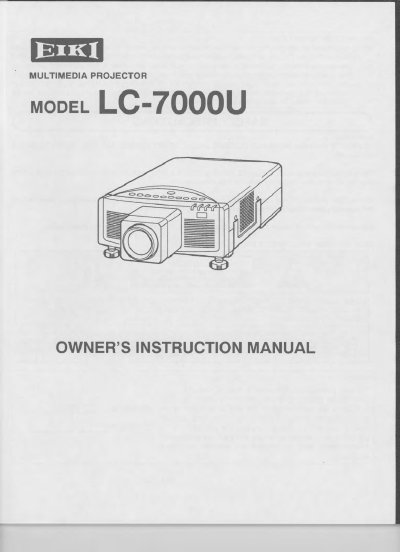
EIKI LC-7000U Multimedia Projector Owner's Instruction Manual


EIKI LC-7000U Multimedia Projector Owner's Instruction Manual - cover page
Brand
EIKI
Category
Projector
Document type
User Manual
Language
English
Pages
45
File format
PDF
File size
2.3 MB
Published
12 July, 2012
Updated
16 July, 2012
MD5 checksum
0E33163CC23F02D01D4C357B30A80D07

About this manual

The document serves as an owner's instruction manual for the EIKI LC-7000U multimedia projector. It details the device's compatibility with various computers (IBM-compatible, Apple Macintosh) and video devices using NTSC, PAL, or SECAM standards. The manual explains how to unpack the unit, set up the projector, connect it to different sources, and operate its controls.

What's inside

  • Introduction
  • Power Requirement
  • Description
  • Setting-Up The Projector
  • Moving The Projector
  • Connecting The Projector
  • Operation Of Controls
  • Picture Image Adjustment
  • Lamp Replacement
  • Troubleshooting

Specifications

Image Resolution832 x 624
Color Palette16.8 million colors
Input Voltage100-120 VAC

Frequently asked questions

How should I clean the projector lens?

The manual includes a specific section on cleaning the lens, though detailed steps are not in the provided text.

What is the maximum screen resolution this projector can display?

The projector cannot display screen resolutions above 1024 x 768.

What nominal input voltage does this projector use?

Your projector uses nominal input voltages of 100-120 VAC.

What happens to screen resolutions between 832 x 624 and 1024 x 768?

Screen resolutions in that range are compressed to 800 x 600.

Download PDF (2.3 MB)

More EIKI Manuals


View all EIKI manuals →