
EIKI EIP-5000/EIP-5000L DLP Projector User Manual

This manual introduces the features and usage of EIP-5000/EIP-5000L projector.
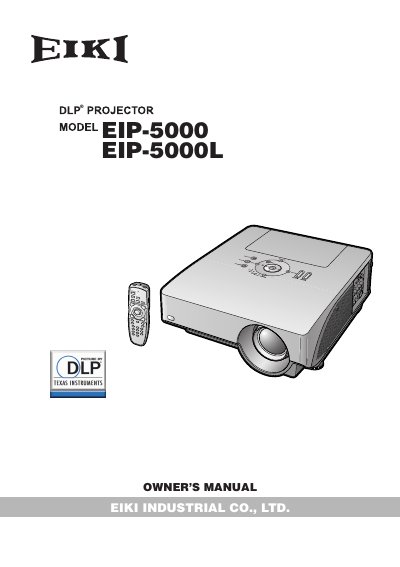

EIKI EIP-5000/EIP-5000L DLP Projector User Manual - cover page
Brand
EIKI
Category
Projector
Document type
User Manual
Language
English
Pages
109
File format
PDF
File size
8.1 MB
Published
12 July, 2012
Updated
30 September, 2023
MD5 checksum
D9AEE499FCAD0427EF770D038D210F55

About this manual

This manual provides safety guidelines, setup instructions, and connection methods for the EIKI EIP-5000/EIP-5000L DLP projector. It includes warnings about lamp replacement, electrical safety, and proper disposal. The guide covers using the remote control, connecting to computers and video equipment, and adjusting picture settings. It also includes multilingual operation instructions on the included CD-ROM.

What's inside

  • IMPORTANT SAFEGUARDS
  • Accessories
  • Part Names and Functions
  • Using the Remote Control
  • Setting Up the Projector
  • Connections
  • Controlling the Projector by a Computer

Frequently asked questions

What is the model number of the projector?

The model number is EIP-5000 or EIP-5000L.

What is the warning about staring into the light beam?

Do not stare into the beam of light, or view directly. Be especially careful that children do not stare directly into the beam of light.

What should users do if the mains plug is incompatible with their socket?

Cut off the mains plug and fit an appropriate type.

What is the warning about turning off the projector by disconnecting the power cord?

Never turn the projector off by disconnecting the power cord. Failure to observe this will result in premature lamp failure.

Download PDF (8.1 MB)

More EIKI Manuals


View all EIKI manuals →