
This manual provides instructions on how to operate the EIP-3000N projector.
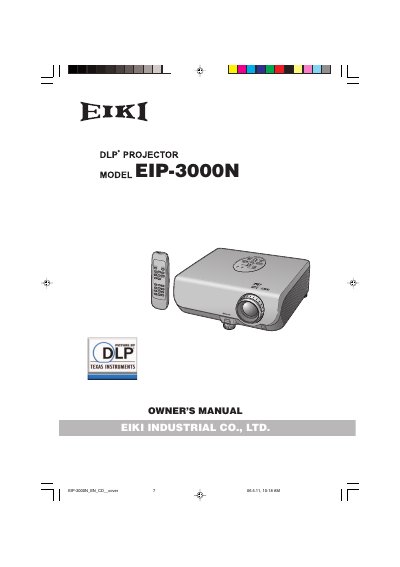
This document is the Owner's Manual for the EIKI EIP-3000N DLP Projector. It includes essential safety information, such as warnings about the high-brightness light source and the need to avoid moisture. The manual instructs users on how to record the model and serial number for theft reporting and details the contents of the supplied CD-ROM, which contains operation instructions in multiple languages including English, German, French, Spanish, Italian, and Portuguese.
The guide explains how to navigate the on-screen menu using the projector's buttons, specifically detailing the use of the ENTER, MENU, and RETURN buttons to adjust settings like Picture and Input. It also highlights specific operational cautions, such as ensuring the cooling fan stops before disconnecting the power cord to prevent premature lamp failure, and notes that the unit utilizes a DMD panel with 786,432 pixels.
The projector uses a high brightness light source.
The cooling fan continues to run for about 90 seconds after the projector enters standby mode.
This unit uses a DMD panel that contains 786,432 pixels.