
This file is the user manual for EIP-S200 multimedia projector
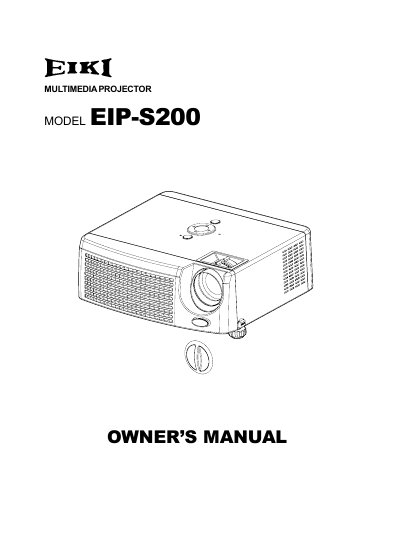
The EIKI EIP-S200 is a multimedia projector featuring single-chip 0.55" Texas Instruments DLP technology with SVGA (800 x 600 pixels) true resolution. It supports compatibility with Macintosh computers and various video standards including NTSC, PAL, SECAM, and HDTV. The device includes a 1.07x manual zoom lens and advanced electronic keystone correction for flexible image adjustment.
| Projection Technology | Single chip 0.55" Texas Instruments DLP |
|---|---|
| Resolution | SVGA (800 x 600 pixels) |
| Lens Zoom | 1.07x manual zoom |
| Video Compatibility | NTSC, PAL, SECAM, HDTV |
| Input Terminal | D-Sub 15-pin |
No, you should never touch the new bulb with bare hands because invisible residue from oil may shorten the bulb's life.
You should use lint-free gloves or finger cots to avoid leaving oil residue on the bulb.
The fan continues to operate for ventilation reasons until it stops, so you should wait before unplugging the power cord.