
EIKI EIP-X2000 user manual

This is a user manual for the EIP-X200 multimedia projector
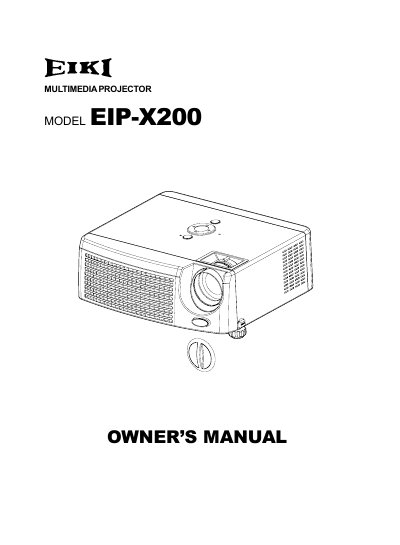

EIKI EIP-X2000 user manual - cover page
Brand
EIKI
Category
Projector
Document type
User Manual
Language
English
Pages
35
File format
PDF
File size
4.1 MB
Published
12 July, 2012
Updated
30 September, 2023
MD5 checksum
CCCC246279A7E2456A401F530D42D400

About this manual

The EIKI EIP-X200 is a multimedia projector featuring single-chip 0.55" Texas Instruments DLP technology with XGA (1024 x 768 pixels) true resolution. It supports various video formats including NTSC, PAL, SECAM, and HDTV, along with compatibility for Macintosh computers.

What's inside

  • Projector Features
  • Package Contents
  • Control Panel
  • Terminals
  • Remote Control Operation
  • Connecting the Projector
  • Adjusting the Projected Image
  • Menu Operation
  • Replacing the LAMP
  • Specifications

Specifications

ResolutionXGA (1024 x 768 pixels)
Projection TechnologySingle chip 0.55" Texas Instruments DLP
Lens Zoom1.15x manual zoom lens

Frequently asked questions

Can I touch the new lamp bulb with my bare hands?

No, you should never touch the new bulb with your bare hands because oil residue may shorten its life.

What is the minimum clearance required on the sides and rear of the projector cabinet?

The manual requires a minimum space of 1.5 inches (38mm) on the sides and 0.7 inches (20mm) on top for proper air circulation.

What resolution does the projector support with auto image re-sizing?

The projector supports auto image re-sizing to a full screen of 1024 x 768 pixels.

What type of AC line plug is equipped on this projector?

This projector is equipped with a grounding type AC line plug.

Download PDF (4.1 MB)

More EIKI Manuals


View all EIKI manuals →