
EIKI EIP-1000T DLP Projector Owner's Manual

This manual introduces the operation and precautions of the EIP-1000T projector.
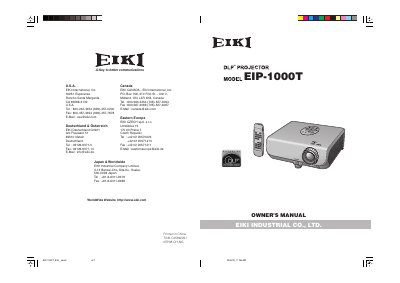

EIKI EIP-1000T DLP Projector Owner's Manual - cover page
Brand
EIKI
Category
Projector
Document type
User Manual
Language
English
Pages
64
File format
PDF
File size
4.4 MB
Published
12 July, 2012
Updated
30 September, 2023
MD5 checksum
15B415F527B7B9F8BA4CE4456F6678AB

About this manual

The EIKI EIP-1000T is a DLP projector that utilizes a DMD panel containing 409,920 micromirrors. The device complies with FCC Class B digital limits and includes specific safety warnings regarding the high-brightness light source and electric shock risks. Users are advised to ensure the cooling fan stops before disconnecting power after entering standby mode.

What's inside

  • Introduction
  • Warranty
  • Consumer Product Safety Act
  • Using the Menu Screen
  • On-screen Display
  • Maintenance
  • Troubleshooting

Frequently asked questions

What safety precaution is required after putting the projector into standby mode?

You must wait for the cooling fan to stop running before disconnecting the power cord.

How long does the cooling fan continue to run after entering standby mode?

The cooling fan runs for about 90 seconds after the projector enters standby mode.

What happens if you turn off the projector by disconnecting the power cord during normal operation?

Failure to observe this procedure will result in premature lamp failure.

Download PDF (4.4 MB)

More EIKI Manuals


View all EIKI manuals →