
LC-XIP2600 interactive projector user manual introduces the features of the product, including the dress up design, the design for tough environment, the side change lamp, the side change filter, the quick power off, the advanced anti-theft features, the five auto features, the seven display modes, the built-in 8W speaker, the logo capture, the image freeze function, the digital zoom adjustment and the built-in interactive smart function.
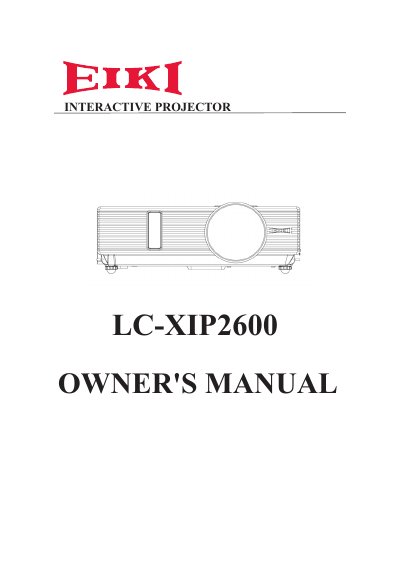
The EIKI LC-XIP2600 is an interactive projector designed for tough environments, featuring side-change lamps and filters, advanced anti-theft features, and seven display modes including Natural, Cinema, and White Board. It includes built-in interactive smart functions, a digital zoom adjustment, and an extreme short throw distance for versatile installation options.
| Display Modes | Seven display modes (Natural, Cinema, Daylight, Green board, White Board, Black Board and User) |
|---|---|
| Built-in Speaker | 8W |
| Auto Features | Five auto features (Auto Search, Auto Sync, Auto Ceiling, Auto Keystone and Auto Filter Alert) |
| RS232 Baud Rate | 9600 bps |
Use the power switch on the projector or the remote control to turn the power ON or OFF.
Yes, the manual includes a specific guide for ceiling mounted installation.