
This manual explains the features and operations of the LC-XGC500/LC-XGC500L multimedia projector.
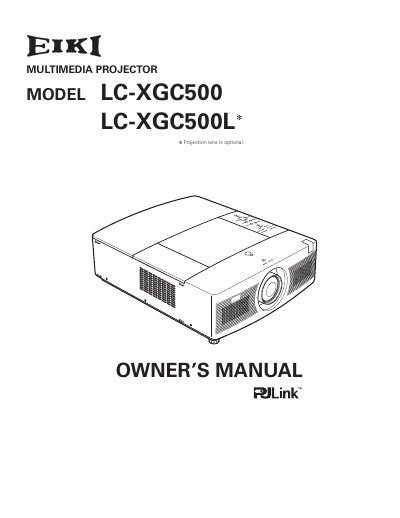
This Owner's Manual covers the EIKI LC-XGC500 and LC-XGC500L multimedia projectors, detailing their features such as the Auto Lamp Selection System, Multi-use Remote Control, and various image adjustment capabilities. It includes instructions for installation, connecting to computers and video equipment, and basic operation including turning the unit on and off.
| Supported Resolution | WUXGA |
|---|---|
| Menu Languages | 12 languages |
| Projection Types | Ceiling and rear projection |
The projector is equipped with 2 projection lamps and automatically switches the active lamp between the 2 lamps.
Yes, the multi-use remote control can be used as a wired and wireless device, or as a PC wireless mouse.
Yes, it includes a Key lock function to lock operation and a PIN code lock to prevent unauthorized use.