
LC-XG400 LC-XG400L is a projector from Epson. It has many features, such as lens shift, ceiling and rear projection, vertical omnidirectional projection, and multiple lens options.
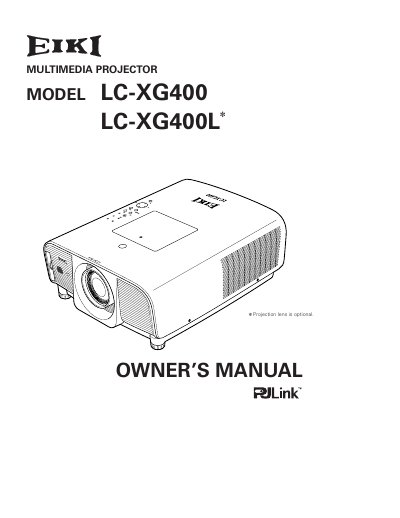
The EIKI LC-XG400 and LC-XG400L are compact multimedia projectors designed with rich functions including lens shifting, ceiling projection, and digital zoom. The device supports multiple input sources such as Digital RGB, Analog RGB, Video, S-Video, Component, and Scart signals.
The operation menu is available in 12 languages: English, German, French, Italian, Spanish, Portuguese, Dutch, Swedish, Russian, Chinese, Korean, and Japanese.
Yes, the remote control can be used as a wired or wireless device, or as a PC wireless mouse with selectable pointer shapes.
You can use the Key lock function to lock the operation on the top control or remote control, and a PIN code lock prevents unauthorized use.