
LC-XNP4000 owner's manual, introduce the features and characteristics of this product, including: dress up design, designed for tough environment, side change lamp, side change filter, quick power off, advanced anti-theft features, five auto features, seven display modes, built-in 8W speaker, logo capture, image freeze function, digital zoom adjustment etc.
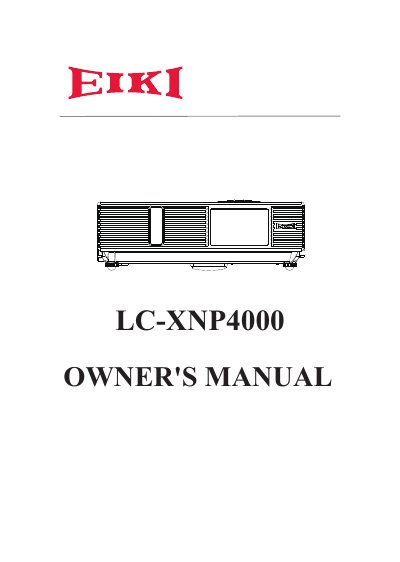
The EIKI LC-XNP4000 is a durable projector designed for tough environments. It features advanced capabilities such as five auto-features (Auto Search, Auto Sync, Auto Ceiling, Auto Keystone, and Auto Filter Alert), seven display modes including Natural, Cinema, and White Board, and built-in security options like Advanced Anti-theft features and Logo capture. The unit includes a built-in 8W speaker and supports digital zoom adjustment.
| Built-in Speaker Power | 8W |
|---|---|
| Display Modes | Seven display modes (Natural, Cinema, Daylight, Green board, White Board, Black Board and User) |
| Auto Features | Five auto features (Auto Search, Auto Sync, Auto Ceiling, Auto Keystone and Auto Filter Alert) |
| RS232 Baud Rate | 9600 bps |
The box contains the projector, computer cable, power cord, quick start guide, owner's manual CD, remote control, USB cable, and soft bag.
Immediately turn off the power switch and disconnect the power plug from the power outlet, then contact your dealer for repairs.
The projector could fall and cause injury because it is not designed for such surfaces.