
This manual provides detailed instructions on the features and characteristics of the LC-XIP2000 projector, including product safety labels, checking the contents of the package, the main unit, the control panel, the rear view I/O board, the bottom view, and the remote control. It also provides detailed instructions on installation, connection, operation, and maintenance.
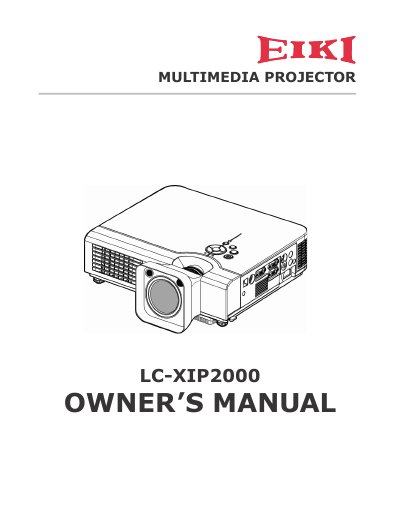
The EIKI LC-XIP2000 is a multimedia projector featuring a 3LCD optical system. It includes advanced functions such as Auto V keystone correction (up to +/- 30 degrees), auto brightness control, and an extreme short throw distance for versatile installation options. The device also incorporates a built-in interactive smart function.
| Optical System | 3LCD optical system |
|---|---|
| Keystone Correction | Auto V keystone function, +/- 30 degrees |
The projector features an Auto V keystone function with a range of +/- 30 degrees.
Yes, the LC-XIP2000 features an extreme short throw distance.