
This document is the owner's manual for the Multimedia Projector LC-XD25 MODEL 2. It describes the features and design of this projector, including compact design, wide compatibility, simple computer system setting, digital zoom function, blackboard function, colorboard function, etc.
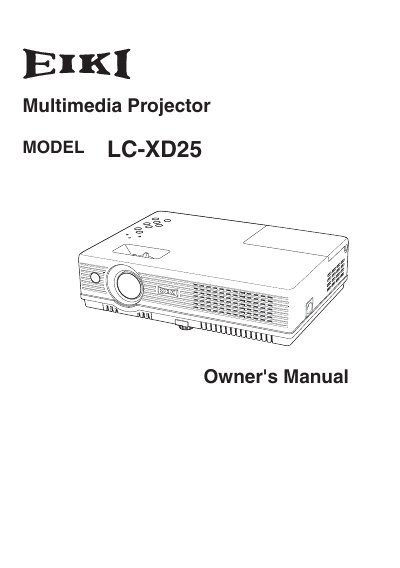
The EIKI LC-XD25 is a compact multimedia projector designed for portability and ease of use. It features built-in multimedia capabilities, a 16.77 million color palette, and matrix LCD technology. The device supports various input signals including Computers, 6 Color systems, Component video, S-video, and RGB scart, and offers a multilanguage menu display in 16 languages.
| Color Palette | 16.77 million colors |
|---|---|
| Display Technology | matrix liquid crystal display (LCD) |
| Menu Languages | 16 languages |
| Digital Zoom | approx. 16 times |
The digital zoom function can expand the image size to approximately 16 times of the screen size.
The operation menu is available in 16 languages, including English, German, French, Italian, Spanish, Portuguese, Dutch, Swedish, Finnish, Polish, Hungarian, Romanian, Russian, Chinese, Korean, and Japanese.
The digital zoom function expands the image size to approximately 16 times of the screen size.