
This manual provides detailed introduction of LC-XDP3500 functions and features. Please read it carefully before using.
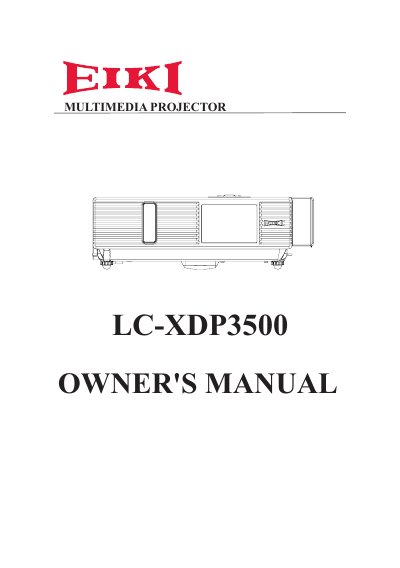
The EIKI LC-XDP3500 is a multimedia projector designed for tough environments. Key features include side-change lamps and filters, quick power-off functionality, advanced anti-theft measures, five auto-features (Search, Sync, Ceiling, Keystone, Filter Alert), seven display modes, a built-in 8W speaker, logo capture, image freeze, digital zoom, and a long-life anti-dust filter. The device supports both PC and Video input modes with dedicated menus for picture, audio, and settings adjustments.
The five auto features are Auto Search, Auto Sync, Auto Ceiling, Auto Keystone, and Auto Filter Alert.
The projector offers seven display modes: Natural, Cinema, Daylight, Green board, White Board, Black Board, and User.
The projector has a built-in 8W speaker.