
LC-XBM31 is a network projector from Hitachi. It has a compact design, simple computer system setup, useful presentation functions, lamp control, direct off function and logo function.
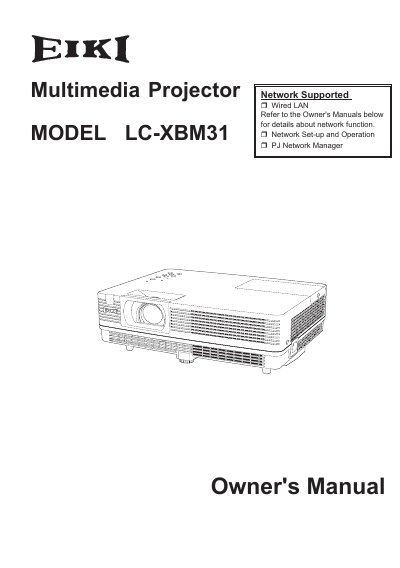
The EIKI LC-XBM31 is a compact multimedia projector designed for portability and ease of use. It features a matrix liquid crystal display (LCD) technology supporting 16.77 million colors and a multi-scan system to accommodate various computer output signals up to WUXGA resolution. The device includes built-in multimedia functions such as a microphone and 10W audio output, allowing for presentations without external audio equipment. Key features include digital zoom, lamp control, direct power-off functionality, and customizable screen logos. The projector supports network connectivity via Wired LAN and offers a multilanguage menu display available in 18 languages.
| Color Palette | 16.77 million colors |
|---|---|
| Display Technology | matrix liquid crystal display (LCD) |
| Audio Output | 10W |
| Maximum Resolution | WUXGA |
Yes, the built-in MIC function and 10W audio output allow you to make a presentation without any external audio equipment.
You can use the Direct OFF function to disconnect the power cord from the wall outlet or turn off the breaker even during projection.