
This document is the user manual for LC-XB42N model multimedia projector. It mainly introduces the features and design of this projector, including compact design, 360-degree projection, simple computer system setting, useful presentation functions, power management, lamp control and quick termination.
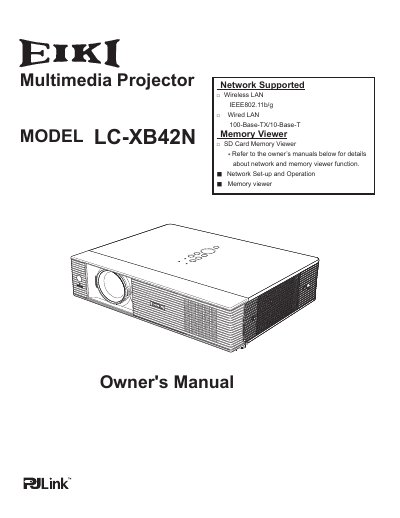
The EIKI LC-XB42N is a compact multimedia projector designed for portability and ease of use. It utilizes matrix LCD technology with a palette of 16.77 million colors and supports up to UXGA resolution via its Multi-scan system. Key features include built-in wireless and wired LAN capabilities, an SD card memory viewer, and the ability to project onto blackboards.
| Display Technology | matrix liquid crystal display (LCD) |
|---|---|
| Maximum Resolution | Up to UXGA resolution |
| Wireless LAN Standard | IEEE 802.11b/g |
| Wired LAN Speeds | 100-Base-TX/10-Base-T |
Yes, the projector can use blackboards as a projection screen.
Yes, it is loaded with both wired and wireless LAN network functions.