
Lowrance LowranceNET NMEA 2000 Network Installation Guide

This document describes how to create, configure and install an NMEA 2000 network
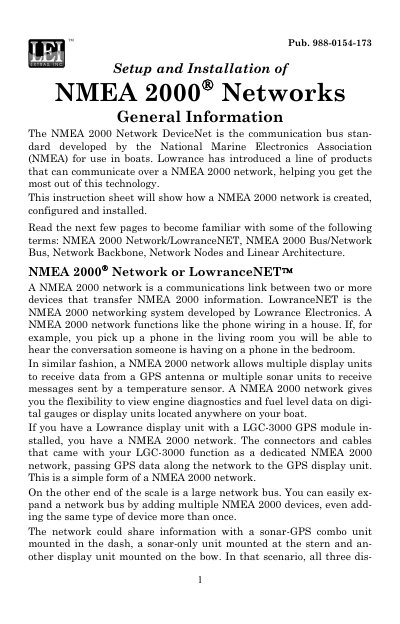

Lowrance LowranceNET NMEA 2000 Network Installation Guide - cover page
Brand
LEI
Category
Other Electronics
Document type
Installation Guide
Language
English
Pages
20
File format
PDF
File size
537 KB
Published
11 July, 2012
Updated
30 September, 2023
MD5 checksum
6006A8AFD8924C8D9C56A84FE40B9B8D

About this manual

This document provides instructions for setting up and installing NMEA 2000 networks using Lowrance products. It defines key terms such as the network backbone, nodes, and linear architecture, explaining how devices communicate data like GPS and sonar information across the system. The guide emphasizes the importance of maintaining a linear architecture to ensure proper network function.

What's inside

  • General Information
  • NMEA 2000 Network or LowranceNET
  • NMEA 2000 Bus or Network Bus
  • Network Backbone and Network Nodes
  • Linear Architecture
  • Adding a Network Node
  • Adding an Extension Cable
  • Building a LowranceNET NMEA 2000 Network

Specifications

Maximum Network Length300 feet (100 meters)

Frequently asked questions

Can Full Sonar Chart returns be transmitted on a NMEA 2000 network?

No, Full Sonar Chart returns cannot be transmitted because they take too much bandwidth for the network.

What should be done with unused connectors on a double T connector?

Unused connectors must be capped with a NMEA 2000 cap to protect the pin connectors from corrosion.

Download PDF (537 KB)

More LEI Manuals


View all LEI manuals →