
This document is the installation and operation manual for Hayward Pro Logic PS-4/8/16 and Aqua Logic PS-4/8/16 systems remote display/keypad. It includes the product's features, functions and usage instructions.
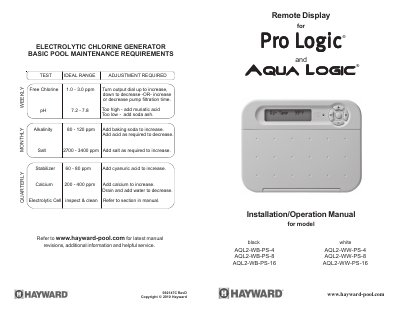
This manual covers the installation, wiring, and basic troubleshooting for Hayward AQL2-Wx-PS-x Remote Display/Keypads. These units are designed to be mounted indoors or in weather-protected areas and serve as remote interfaces for Pro Logic and Aqua Logic control centers.
The document provides specific instructions on mounting the unit onto a standard electrical utility box or wall surface, including steps for removing the baseplate and using an optional bezel. It details wiring requirements, specifying the use of four-conductor cable with a maximum run distance of 500 feet (160m) between the main control unit and remote displays.
Yes, up to 3 remote display/keypads can be installed in a system.
This error is most likely caused by wires "2" and "3" in the cable between the control unit and the display/keypad being crossed.