
This is a user manual for a digital camera, which introduces the use of the camera, precautions, software installation methods, etc.
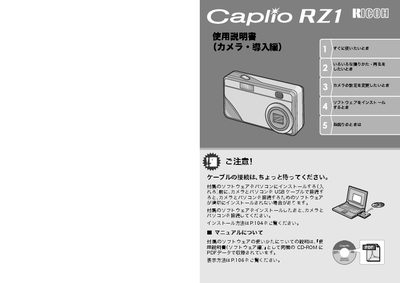
This document is the user manual for the Ricoh Caplio RZ1 digital camera. It covers essential operations such as connecting the camera to a computer via USB, installing the CaplioViewer software, and using the included accessories like the rechargeable battery and AC adapter. The guide explains how to utilize the camera's 3x optical zoom, macro capabilities, and various scene modes for photography. This manual is written in Japanese.
| Video Resolution | 320 x 240 pixels |
|---|---|
| Video Frame Rate | 15 fps |
| Macro Distance | 1cm |
The effective focal length is 35-105mm, which is equivalent to a 35mm format camera.
Yes, you can use the Direct Print function by connecting the camera directly to a compatible printer via USB cable.