
This document provides instructions on using the product, including the caution of not connecting the USB cable before installing the software and the importance of reading the user manual. It also explains how to change camera settings.
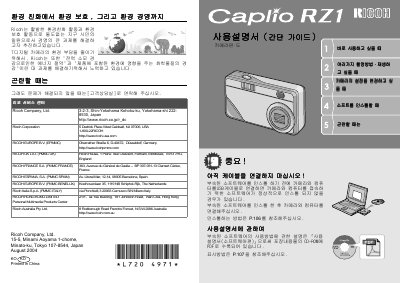
This document is the user manual for the Ricoh Caplio RZ1 digital camera. It contains instructions for using the camera's various functions, including shooting modes, playback, and image management. The manual also details how to connect the camera to a computer for transferring images and explains the use of the included software, CaplioViewer.
The guide covers hardware setup, such as installing the battery and memory card, and explains the operation of the LCD monitor and control buttons. It includes sections on taking still images, adjusting settings like exposure and focus, and utilizing special modes. Additionally, it provides information on transferring images to a PC and printing them. This manual is written in Japanese.
The camera supports up to 5,000 shots of images.
The camera measures 105mm by 61mm by 41mm.