
This manual is a user manual for Ricoh Company Limited's C700 digital camera, which includes basic camera operations, technical photography, image playback, changing camera settings, software installation, and troubleshooting.
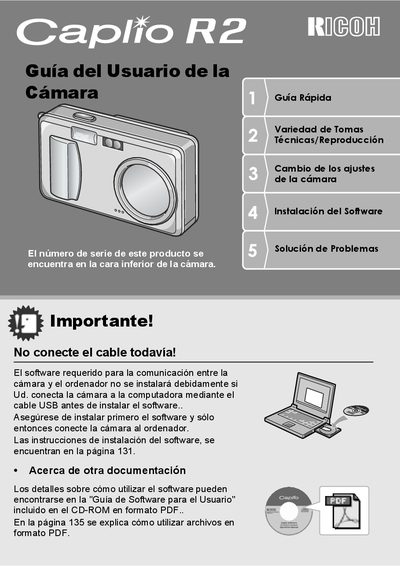
This document is the Quick Start Guide for the Ricoh Caplio R2 digital camera. It provides essential instructions for setting up the device, including installing the battery and memory card, and connecting the camera to a computer via USB for automatic image transfer. The guide emphasizes safety precautions and the correct installation order of software before connecting the hardware. This manual is written in Spanish.
| Zoom | 4.8x |
|---|---|
| Focal Length | 28 to 135 mm |
| Focus Delay | 0.1 seconds |
| Macro Distance | 1 cm |
| Video Resolution | 320 x 240 pixels |
The serial number is found on the bottom of the camera.
The camera can use a rechargeable battery, standard AA alkaline batteries, or an AC adapter.