
This document is a technical document about Microsoft's MS Windows DirectX
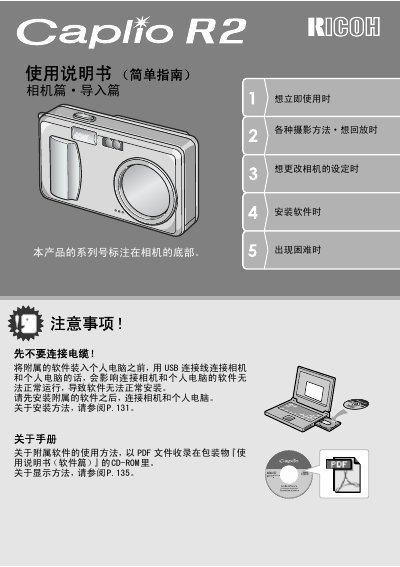
This document is the Quick Start Guide for the Ricoh Caplio R2 digital camera. It provides essential information on how to use the camera's functions to take and view photographs, along with safety warnings. The guide covers initial setup, including battery installation and software requirements, as well as basic operation instructions. This manual is written in Spanish.
| Zoom | 4.8x |
|---|---|
| Focal Length | 28 to 135 mm |
| Focus Delay | 0.1 seconds |
| Macro Distance | 1 cm |
| Flash Range (Telephoto) | 13 cm |
| Flash Range (Wide) | 20 cm |
| Video Resolution | 320 x 240 pixels |
| Video Frame Rate | 30 fps |
The serial number is found on the bottom of the camera.
Yes, the camera can be powered by standard AA alkaline batteries.
The focus delay time is 0.1 seconds.