
This manual provides information on how to use the shooting and playback functions of this product, as well as warnings on its use.
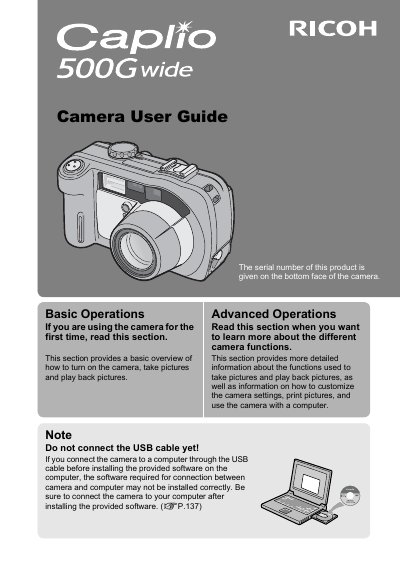
The Ricoh Caplio 500Gwide is a rugged digital camera featuring water resistance (JIS grade 7), dust resistance (JIS grade 6), and shock resistance. It includes a wide-angle optical zoom lens ranging from 28mm to 85mm equivalent, an antiblur function, and a built-in flash with a maximum range of 10 meters in wide-angle mode.
| Water Resistance Grade | JIS protection grade 7, IEC IP67 |
|---|---|
| Dust Resistance Grade | JIS protection grade 6, IEC IP67 |
| Shock Resistance Height | up to 1 meter |
| Zoom Lens Range | 28 mm and 85 mm* |
| LCD Monitor Size | 2.5-inch |
| Built-in Flash Range (Wide) | 10 m |
| Macro Shooting Distance | approximately 1 cm (5mm from the very front) |
The package includes a Camera User Guide, Software User Guide on CD-ROM, and ImageMixer software.
Yes, you can power the camera using AA alkaline or nickel-hydrogen batteries.
Connect a Direct Print-compatible printer to the camera with the USB cable to transfer images.