
The document describes the features and characteristics of a product
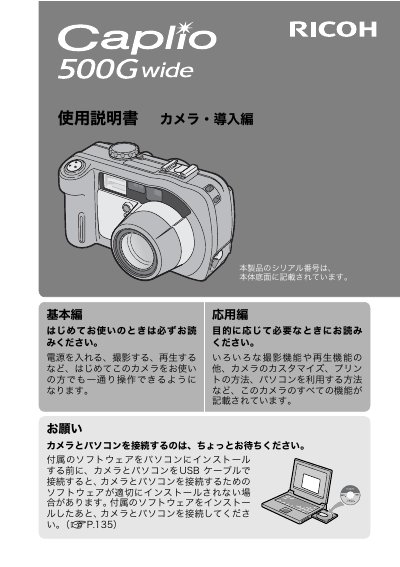
This manual provides instructions for the Ricoh Caplio 500Gwide digital camera, covering basic operations such as turning the camera on, taking pictures, and playing back images. It also includes advanced operations for customizing settings, printing pictures, and using the camera with a computer. Users are advised to read the safety precautions thoroughly before use.
| Water/Dust/Shock Resistance | Water resistant (JIS grade 7, IEC IP67), dust resistant (JIS grade 6, IEC IP67), shock resistant up to 1 meter drop |
|---|---|
| Optical Zoom | 3.0x (28 mm to 85 mm equivalent) |
| LCD Monitor Size | 2.5-inch |
| Macro Shooting Distance | Approximately 1 cm (5mm from the very front of the camera) |
Install the provided software on the computer first. If you connect the USB cable before installing the software, the connection may not work correctly.
You can power the camera using the supplied rechargeable battery, AA alkaline or nickel-hydrogen batteries, or the optional AC adapter.
CALS mode fixes the pixel count to 1M and file volume to less than 400 KB, allowing images to be attached to e-mail or submitted as official public works pictures.