
This document provides the installation and operation guide for AJA Video's products, including AJA's registered trademarks and trademarks of other related brands, as well as contact information for support and sales, and limited warranty information.
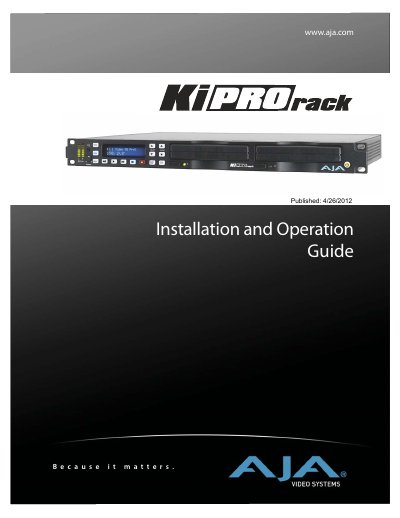
This manual serves as the Installation and Operation Guide for the AJA Ki Pro Rack, a professional video recording device. It details the hardware components included in the box, system requirements, and step-by-step instructions for physical installation, including mounting and power connection. The guide also explains how to configure network settings via DHCP or static IP addresses and how to control the unit remotely via a web browser.
The document covers the operation of the front panel, including the Transport mode for recording and playback, STATUS and MEDIA menus for managing clips, and CONFIG menus for adjusting video, audio, and system settings. It also describes advanced features such as gang recording, playlist creation, and firmware updates.
| Video Inputs (Digital) | 1 Channel, selectable input SD and HD-SDI (2xBNC), SMPTE-259/292/296 HDMI |
|---|---|
| Video Inputs (Analog) | SD/HD Component (3xBNCS): SMPTE/EBU N10, Betacam 525 line, Betacam 525J, YPbPr |
| Audio Inputs (Digital) | AES 24-bit, 8 channel, 48kHz (4xBNC) |
| Audio Outputs (Analog) | 24-bit D/A, 2 channel balanced XLR, 48kHz |
You can control the Ki Pro Rack from a web browser by connecting it to a network and accessing its IP address.
The hard-disk based Storage Modules are warranted for a period of one year from the date of purchase.
AJA Video's liability shall not exceed the purchase price paid for the product.
The analog audio inputs support a sampling rate of 48kHz.