
This is the user manual of Boxlight Pro4500dp, which mainly introduces the product's usage methods and safety precautions.
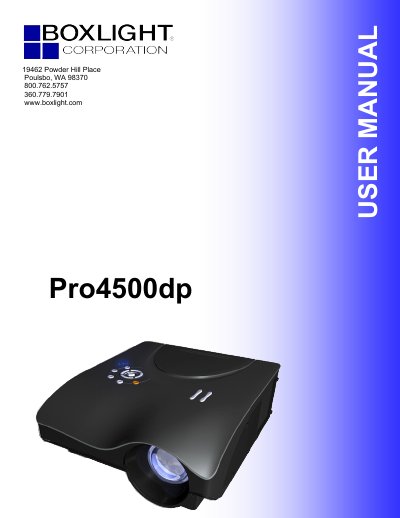
The Boxlight Pro4500dp is a lightweight DLP projector compatible with major video standards including NTSC, PAL, and SECAM. It supports resolutions up to UXGA at 16.7 million colors and features advanced keystone correction for angled projections while maintaining square line-of-vision images.
The manual covers the entire user lifecycle, from unpacking and connecting input devices to adjusting zoom, focus, and OSD menu settings. It also includes detailed sections on maintenance tasks such as replacing the projection lamp, cleaning the lens and case, and troubleshooting common issues like image or audio problems.
| Resolution Support | UXGA at 16.7 million colors |
|---|---|
| Video Standards | NTSC, PAL, and SECAM |
| Projection Types | Front, rear, and ceiling |
The projector is compatible with all major video standards including NTSC, PAL, and SECAM.
You must allow the lamp to cool for about one hour before attempting to replace it.