
Boxlight ProjectoWrite2 User Manual introduces the product’s features and characteristics, including the design, tough environment, side change lamp and filter, quick off, advanced anti-theft features, five auto features (Auto Search, Auto Sync, Auto Ceiling, Auto Keystone and Auto Filter Alert), seven display modes (Natural, Cinema, Daylight, Green board, White Board, Black Board and User), built-in 8W speaker, Logo capture, image freeze function, digital zoom adjustment, and extreme short throw distance.
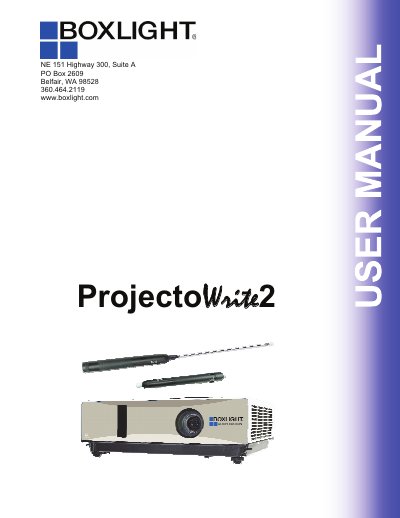
This manual provides instructions for the Boxlight ProjectoWrite2, an interactive projector designed for educational and presentation environments. It details the contents of the package, safety precautions, and step-by-step guides for setting up the device, including ceiling mounting and elevation adjustment. The document explains how to connect peripherals like remote controls and USB cables, and describes the operation of the on-screen display and various menu modes for both PC and Video inputs.
| Lamp Power | 8W |
|---|---|
| Display Modes | Seven display modes |
| Auto Features | Five auto features |
Possible reasons include poor system calibration, changes in projector/screen position, or changed image resolution. Running the calibration procedure again will solve the problem.
The computer may shut down the USB port when entering standby. Wake up the computer, unplug, and re-insert the USB cable.