
This document introduces the features of the Pro5000SL projector, including preparation, usage, and maintenance.
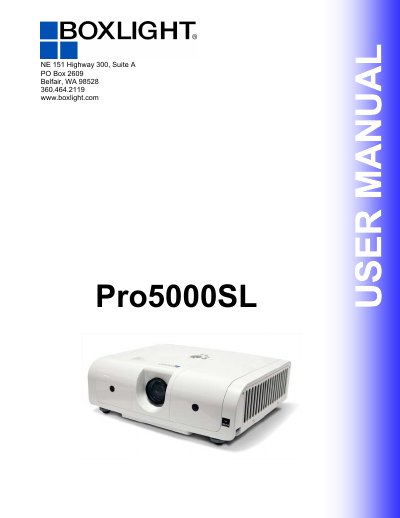
The MBOXLIGHT Pro5000SL is a 3LCD optical system projector designed to provide bright images with natural colors and smooth video playback. It features a high-efficiency dust air filter with an Auto Filter Alert function and a security PIN lock for added protection.
The manual covers preparations, including checking the contents of the package, and detailed setup instructions for arranging the projector and connecting various devices such as VGA, DVI, S-Video, and USB. It also explains how to use the control panel and remote control to adjust settings like picture, audio, and keystone correction.
| Optical System | 3LCD optical system |
|---|---|
| Resolution Support | 1080i |
| Keystone Correction | Auto V keystone function, +/- 30 degrees |
| Supported Signals | DVI, YPbPr, Composite Video, S-Video |
The factory default PIN code is 0000.
The factory default Logo PIN code is 0000.
Leave about 20cm (7.9in.) between the projector and the wall.