
This is a user manual for Boxlight interactive projector. It mainly introduces the use methods, installation methods, software and hardware driver installation methods, etc.
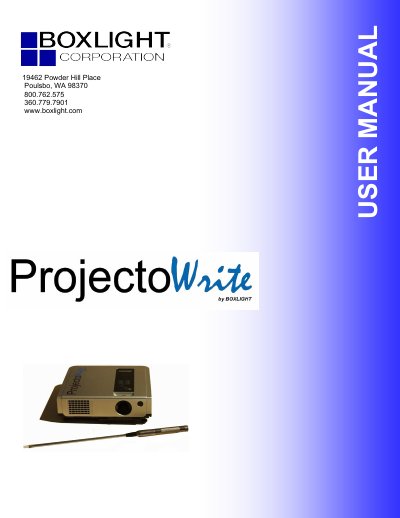
The BOXLIGHT ProjectoWrite is an interactive projector designed for desktop and laptop PCs. This user manual covers safety instructions, unboxing, and the physical layout of the unit and remote control. It details the installation process, including setting up the projection screen and connecting the projector to a computer via VGA or other video inputs.
The guide explains how to operate the projector using the on-screen display (OSD) menu and the remote control's function keys, such as the pointer and calibration tools. It also includes system requirements for the software and hardware drivers, maintenance procedures, and a troubleshooting section for common issues like no video, no audio, or blurred images.
| Resolution (VGA) | 640x480 |
|---|---|
| Resolution (SVGA) | 800x600 |
| Resolution (XGA) | 1024x768 |
| Resolution (SXGA) | 1280x960 |
| Resolution (HDTV 720p) | 1280x720 |
| Resolution (HDTV 1080i) | 1920x1080 |
The manual specifies that the software and hardware installation requires a PC connection, but specific system requirements are listed in the installation section.
You can adjust the image position using the focus and RGB phase settings if the video is blurred, or by using the calibration function.