
Introduces the features and characteristics of the Boxlight Seattle Series 151 projector, including appearance design, functions, installation and use.
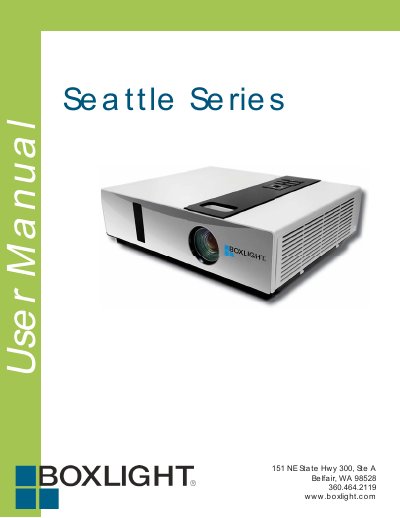
The Boxlight Seattle Series 151 is a ruggedized projector designed for tough environments. It features advanced anti-theft capabilities, five automatic adjustment functions including Auto Search and Auto Keystone, and seven distinct display modes such as Natural, Cinema, and White Board. The device includes built-in connectivity options like an RJ45 LAN port for network control software.
| Speaker Power | 8W |
|---|---|
| Auto Features | 5 (Search, Sync, Ceiling, Keystone, Filter Alert) |
| Display Modes | 7 (Natural, Cinema, Daylight, Green board, White Board, Black Board, User) |
| Blank Mode Timer | 15, 30 or 60 minutes |
| Cooling Time After Off | At least 60 minutes |
No, you should not look through the lens when the lamp is on because the powerful light could adversely affect vision.
You must let the projector cool down and unplug the power cord for at least 60 minutes.
The projector must be powered on, connected to a network, and show a normal LED light (Green or Orange twinkle) on the network port.