
This is a Xpress Car Kit car installation instruction, which introduces how to install Xpress Car Kit.
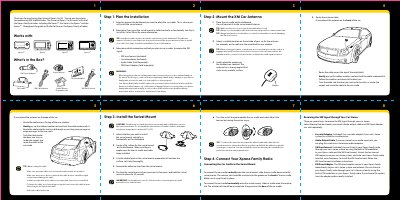
This guide provides step-by-step instructions for installing the Universal Xpress Car Kit. It covers planning the installation location on the dashboard, mounting the swivel base using an adhesive pad, and positioning the XM SureConnect antenna on the vehicle exterior.
The document details how to connect the car cradle to the swivel mount in either vertical or horizontal orientations. It also explains various methods for receiving the XM signal through a compatible Xpress family radio, including using the included cassette adapter, audio output cable, or FM Direct Adapter.
| Compatible Radios | Xpress family of radios including the Xpress, the Xpress, the Xpress* and the Xpress* |
|---|---|
| Warranty Period | 12 months |
The adhesive requires 24 hours to cure before connecting the car cradle and radio.
Yes, you can select whether to install the swivel mount vertically or horizontally on the dashboard.
Press Menu, select FM Frequency with the dial, scroll through frequencies to find one that is not in use.