
The Contour remote control is a simple and easy-to-use remote control that can be set up in just two steps. The first step is to install the batteries, and the second step is to program it for TV control.
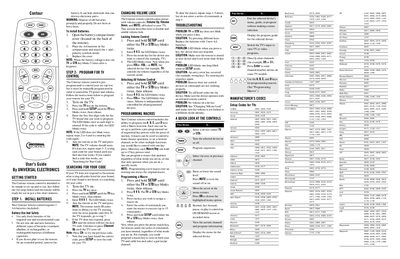
This guide shows how to get the Contour remote ready for use. It covers installing the two AA batteries, programming the TV and set‑top box, and searching for the correct TV code when the default list does not work.
Advanced features such as disabling/enabling volume lock, creating up to 15‑step macros, and troubleshooting common problems (LED blink patterns, remote range, battery warnings) are also described, along with FCC compliance information.
| Battery type | 2 AA batteries (included) |
|---|---|
| Maximum control distance | up to 40 feet |
| LED confirmation for valid code | LED blinks twice |
Open the battery compartment cover on the back, insert two AA batteries matching the polarity symbols, and replace the cover.
Hold SETUP until the TV or STB key blinks twice, enter 9 9 3, then press the mode key for the device you want to control. The LED will blink twice to confirm.
Hold SETUP until the TV or STB key blinks twice, press 995, select the macro key, then enter up to 15 commands. Finish by holding SETUP again to save.