
This document is the UniversalBox user manual, which introduces the usage of the tool, including flashing, maintenance, lock management, IMEI management, ASK-RPL management, and other functions for multiple phone models such as Nokia DCT4, BB5, Sonyericsson Smartcard, UMTS, EPOC, A2, and provides MMC maintenance, general settings, and upgrade functions.
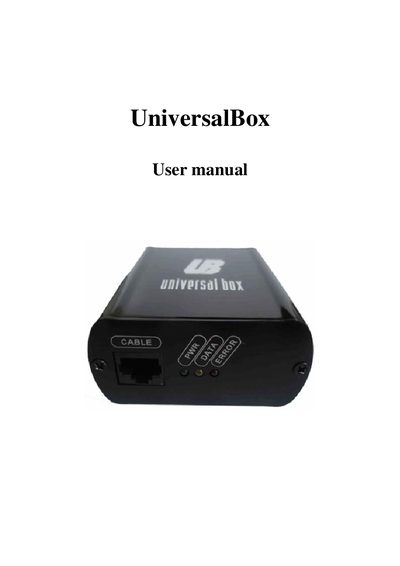
This manual explains how to use the Universal Box software to flash Nokia DCT4 phones. It covers selecting the correct model and firmware, enabling optional features such as FTD for network monitoring, and performing flash operations safely.
Additional sections describe lock management (calculating unlock codes, unlocking devices), hardware configuration (USB or LPT communication, automatic updates), and miscellaneous functions such as MMC/SD card handling and user registration.
| Software version | 4.51.0 |
|---|---|
| Supported hardwares | 2040, 3161, 2292 |
| Maximum flash devices | 2 |
| Flash ID 1 manufacturer | Samsung |
Enable the FTD setting; this activates the Nokia net monitor on the phone.
Open the Lock Manage section, calculate the unlock code, and tick the Unlock checkbox to unlock the handset.
In the General settings you can choose between USB or LPT port as the communication platform.