
Cricket Kids Remote Control User Guide for Ages 3 and Up
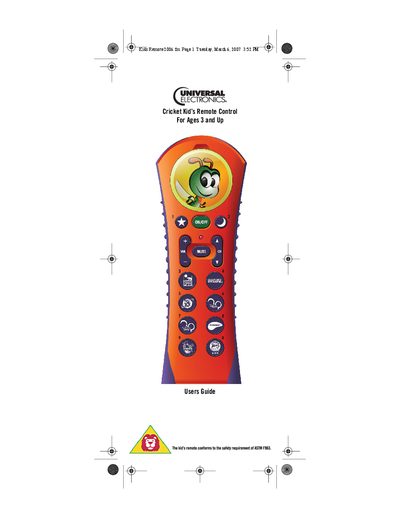
This guide provides step‑by‑step instructions for setting up the Cricket remote, including installing two AAA batteries, selecting the programming mode, and configuring TV or cable codes. It also describes how to customize the image compartment with a personal photo.
Safety information covers proper battery handling, low‑battery indication, and the three‑position switch that selects Child, Adult, or Programming mode. The manual includes key charts, programming options, and manufacturer codes for various devices.
| Battery type | 2 AAA |
|---|---|
| Low battery indicator | LED flashes five times with each key‑press |
Remove the battery cover with a Phillips screwdriver, insert two AAA batteries as shown, and replace the cover after programming is complete.
Set the three‑position switch in the battery compartment to the middle position labeled P.