
This document introduces the functions and usage of CLIKRTM-5 remote control.
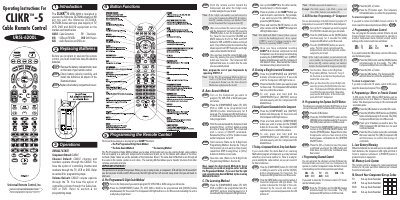
The UR5L-6200L (CLIKRTM-5) remote control from Universal Remote Control is designed to operate a wide range of consumer electronics, including televisions, VCRs, DVD players, cable boxes and audio receivers. It provides three programming methods—pre‑programmed 3‑digit codes, auto‑search, and learning—to configure each component.
The manual details step‑by‑step procedures for entering codes, testing functions, saving settings, creating macros, and erasing learned commands. It also covers battery replacement, low‑battery warnings, and the memory lock system that retains programming for up to ten years.
| Battery type | AA alkaline |
|---|---|
| Number of batteries | 2 |
| LED indicator duration | 30 seconds |
Press the COMPONENT button and the OK/SEL button together for 3 seconds, wait for the LED to stay on, enter the 3‑digit code for your TV brand, press POWER to turn the TV back on, test the functions, and then press the COMPONENT button again to save the code.
Enter setup mode by holding the COMPONENT and ASPECT buttons for 3 seconds, then hold the button you want to erase for 3 seconds; the LED will blink twice to confirm the erasure.
Replace the two AA alkaline batteries; the remote will flash the LED twice when you press POWER with low batteries.
Yes, in CABLE mode press M1, M2 or HELP together with OK/SEL for 3 seconds, then press up to 10 buttons you want to store and finish with CH/UP to save.