
This document describes the installation method and functional features of the Navigator remote control, as well as its ability to operate different devices.
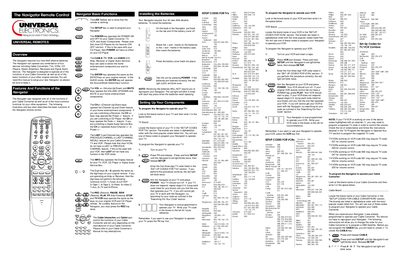
The Navigator remote control is designed to replace the basic functions of your cable converter, TV, VCR, CD player, stereo amplifier, receiver and digital audio service. It operates with four AAA alkaline batteries and features a red LED that flashes to confirm the remote is working.
The manual explains how to install the batteries, program the remote for each device type using three‑digit codes, unlock and lock the Channel Lock feature, and search for missing codes. Detailed code tables for TVs, VCRs, cable converters and audio components are included.
| Battery requirement | Four AAA alkaline batteries |
|---|---|
| LED indicator | Red LED flashes to show remote is working |
| Channel Lock | Limits channel changing to CABLE mode unless unlocked |
It requires four new AAA alkaline batteries.
Press the TV key, hold SETUP until the red light blinks twice, then enter the three‑digit TV code; the red light will blink twice to confirm.