
This manual provides an overview of the projector's basic operations, such as installation, connection, power on/off, and image adjustment.
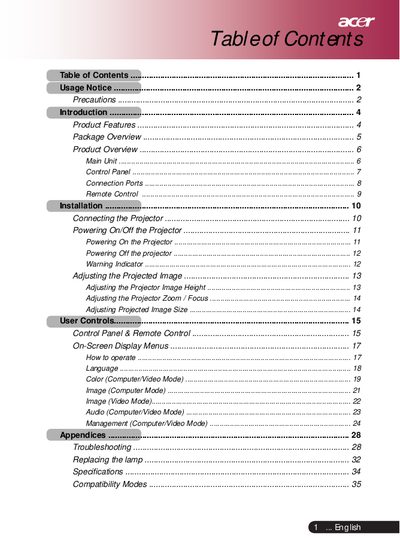
This document is the user manual for an Acer SVGA single chip 0.55" DLP projector. It covers product features such as True SVGA resolution (854 x 480 pixels) and compatibility with NTSC, PAL, SECAM, and HDTV formats. The guide details the contents of the package, including the main unit, remote control, and various cables.
| Resolution | 854 x 480 addressable pixels |
|---|---|
| Technology | Single chip DLP technology |
| Lamp Power | 200W User Replaceable Lamp |
| Contrast Ratio | 2000:1 (Full on/ off) |
| Weight | 2.3kg (5.1 Ib) |
No. Do not look into the projector's lens when the lamp is on as the bright light may hurt your eyes.
The unit weighs 2.3kg, which is equivalent to 5.1 lb.
The light valve has a resolution of 854 pixels horizontally and 480 lines vertically.