
This manual is the operator's guide for the Epson X95i projector. It introduces the product's features, functions, and usage methods.
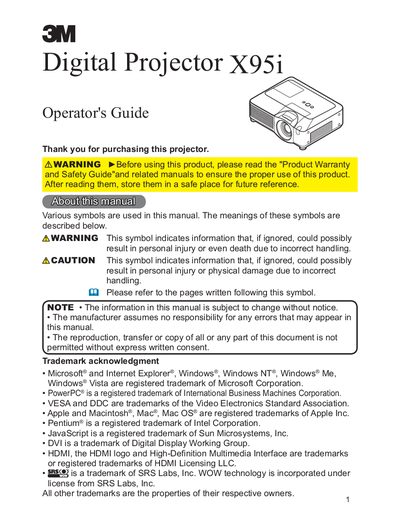
This Operator's Guide covers the setup and operation of the 3M X95i Digital Projector. It details how to connect various input devices, adjust image settings using the remote control and on-screen menus, and utilize features like keystone correction and lens shift. The manual also explains how to use the projector as a PC mouse and keyboard.
The package includes a power cord, VGA cable, remote control with two AA batteries, Operator's Guide, Product Warranty and Safety Guide, lens cover, security label slot cover lock, quick start guide, rivet, strap, and handle.
Fix the strap to the strap hole of the lens cover, put one side of the strap into the groove on the rivet, and push the rivet into the rivet hole.
Do not touch around the lamp door during use or just after use because it is too hot.