
This document is a purchase instruction about a projector, reminding users of precautions and providing trademark information of the brand and model.
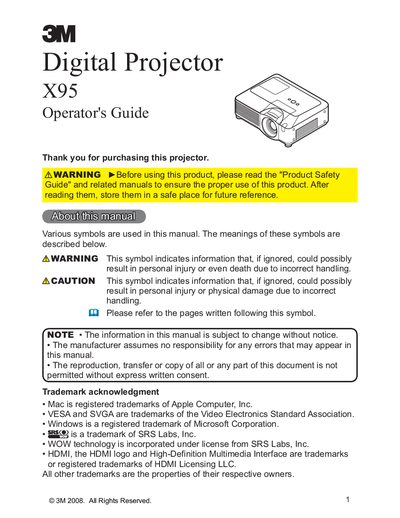
The 3M X95 is a digital projector designed to project various picture signals onto a screen with minimal installation space. This Operator's Guide covers essential features, safety warnings, and initial preparations such as unpacking and fastening the lens cover.
The document details how to set up the projector, including connecting devices like HDMI, VGA, and USB storage, adjusting the image (zoom, focus, keystone), and using the remote control. It also provides instructions for power management, menu navigation, and basic maintenance tasks such as lamp replacement and air filter cleaning.
| Product Type | Digital Projector |
|---|
This projector is designed to project various picture signals onto a screen.
The projector requires only a minimal amount of space for installation.