
This manual provides the operator's guide for the MP7640i/MP7740i multimedia projector, including preparations, device connection, remote control usage, power on/off operations, volume adjustment, and more.
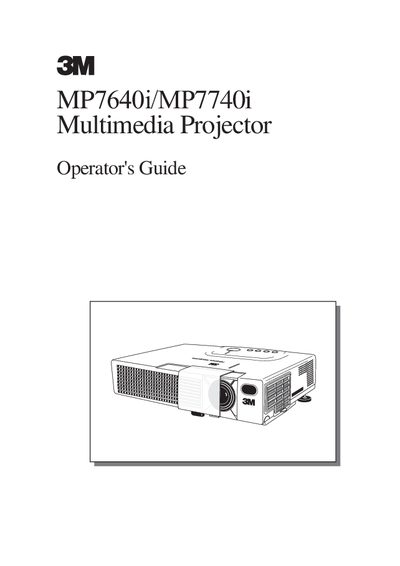
The 3M MP7640i/MP7740i Multimedia Projector Operator's Guide explains how to prepare the projector, connect various devices such as computers and VCRs, and adjust settings like aspect ratio and keystone distortion. It details the use of the remote control for functions including volume adjustment, screen freezing, and signal searching.
| Resolution (MP7640i) | 800x600 pixels |
|---|---|
| Resolution (MP7740i) | 1024x768 pixels |
| Lamp Power (MP7640i) | UHB lamp, 150W |
| Lamp Power (MP7740i) | UHB lamp, 150W |
The projector operates in temperatures between 16° to 29°C (60°F to 85°F).
For a full-size screen, the distance from the projector to the screen must be between 96 inches (2.4 m) and 116 inches (2.9 m).
The projector should operate in an environment between 16 and 80 degrees Celsius.