
This document is the MP8030 multimedia projector operator's guide. It introduces the product's features and characteristics, including machine characteristics, installation, use, and maintenance.
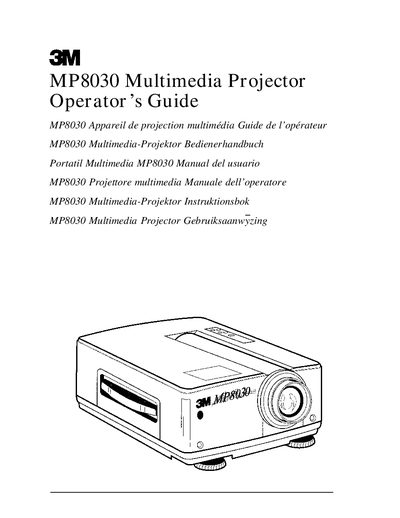
This document is the Operator's Guide for the 3M MP8030 Multimedia Projector. It covers unpacking the unit, identifying parts, and setting up cable connections for VCR, PC, and laptop computers. The guide details how to turn the projector on and off, adjust picture settings via system menus, and use the remote control.
| Product Type | Multimedia Projector |
|---|---|
| Warranty Period | one year |
Never look directly into the projector lens when the lamp is on, as the metal halide lamp produces a strong light which could damage your eyesight.
A shielded power cord supplied with the unit must be used, and the outer shield must be connected to the ground.