
The user manual of 3M MP8625 multimedia projector, which includes product introduction, safety precautions, installation, basic operation, adjustment and functions, maintenance, lamp replacement, troubleshooting and other contents
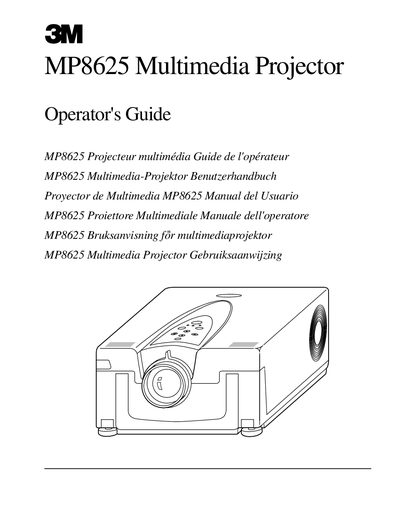
The 3M MP8625 Multimedia Projector integrates ultra-high performance lamp and polysilicon LCD display technology to project bright, super crisp images. It accepts input from two computer sources and two video/audio sources, featuring SVGA resolution and the ability to display 16.7 million colors. The unit includes manual zoom and focus functions, built-in stereo speakers, and a full-function remote control.
| Resolution | SVGA (800 x 600) |
|---|---|
| Color Display | 16.7 million colors |
| Speakers | Two built-in stereo speakers (1 watt each) |
| Warranty Period | Two years |
The product is warranted against defects in material and workmanship for two years from the date of purchase.
No, the projector was designed and tested for use indoors only.
Do not operate the appliance with a damaged cord until it has been examined by a qualified service technician.