
This is the user manual for the MP8650 multimedia projector
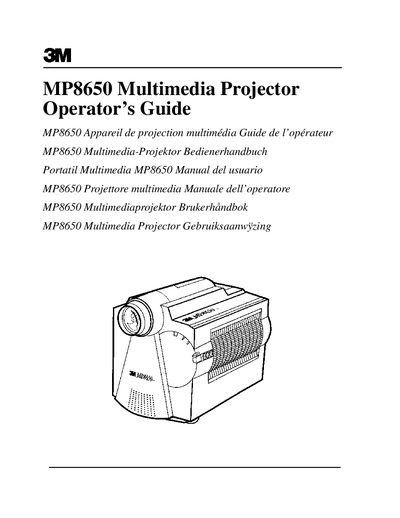
The 3M MP8650 Multimedia Projector is designed for indoor use with specific voltage requirements. The manual includes important safety warnings regarding the metal halide lamp, such as avoiding direct eye contact when the lamp is on and ensuring proper ventilation to prevent overheating.
This document covers the complete user experience, from unpacking and inventory checks to cable connections and image adjustments. It details how to operate the projector and its remote control, adjust settings like volume and picture quality, and perform basic maintenance tasks such as cleaning.
| Intended Use Environment | indoor use |
|---|---|
| Lamp Type | Metal Halide |
Double shielded coaxial cables (FCC shield cable) must be used, with the outer shield connected to ground.
The projector was designed, built, and tested for use indoors with 3M brand lamps and nominal local voltages.
The product is warranted against defects in material and workmanship for a period of one year from the date of purchase.
The metal halide lamp produces a strong light that could damage your eyesight.