
This manual is the user manual for the 3M MP8660 multimedia projector. It introduces the features and characteristics of the product, as well as its usage methods.
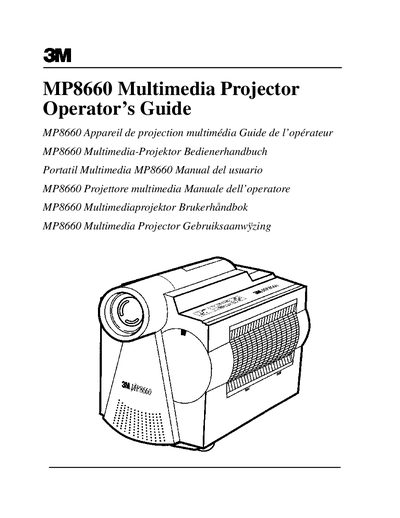
The 3M MP8660 Multimedia Projector is designed for indoor use with 3M brand lamps and nominal local voltages. The manual covers unpacking the unit, identifying parts, and setting up cable connections for VCR, PC, Macintosh, or laptop computers. It details the operation of the control panel and on-screen menus, including image adjustment and volume control.
| Intended Use | Indoors |
|---|---|
| Lamp Type | Metal Halide |
| Warranty Period | One year |
The product is warranted against defects in material and workmanship for one year from the date of purchase.
No, the projector was designed and tested for indoor use only.
The projector uses a metal halide lamp.