
This document provides safety instructions, warranty information, shipping contents, optional accessories, descriptions of the projector and remote control, and steps for installing or replacing batteries for the 3M™ Multimedia Projector MP7630 and MP7720.
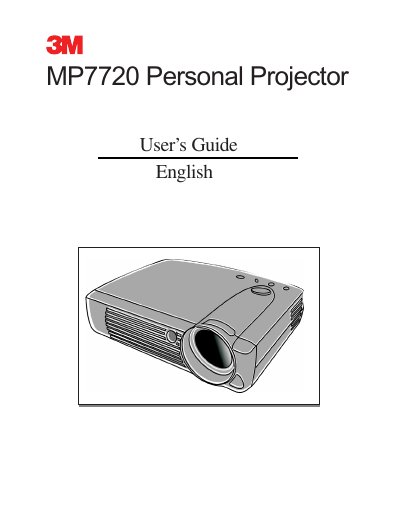
This manual covers the setup and operation of the 3M MP7720 Personal Projector. It details the shipping contents, external control panel functions, and remote control usage. The guide explains how to connect the projector to various equipment like PCs and Macintosh computers, and how to use the on-screen menu system for display and image adjustments.
| Warranty Period | two years from date of purchase |
|---|---|
| Lamp Warranty | 90 days or 180 hours |
| Voltage Range | 110 to 230 volts |
| Cooling Time | approximately 45 minutes |
The product is warranted against defects in material and workmanship for two years from the date of purchase.
The lamps are considered consumable items and are warranted for 90 days or 180 hours, whichever occurs first.
The projector is designed to operate safely within a bandwidth of 110 to 230 volts.