
This document is a quick start guide for the 3M MP7640 multimedia projector. It includes important notices, warranty information, and connection instructions.
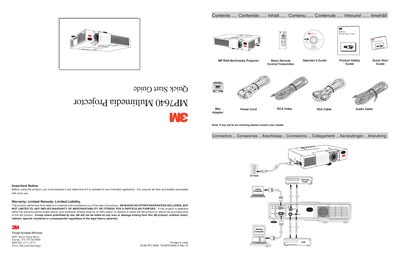
This document serves as a Quick Start Guide for the 3M MP7640 Multimedia Projector. It includes a product safety guide, a basic remote operator's guide, and instructions for connecting the projector using various cables such as VGA, RCA, and audio cables. The guide also lists the included parts and advises contacting the dealer if any parts are missing.
The second page of the guide covers startup procedures, menu navigation, and power control functions including Standby/On, Input selection, and Shutdown. It also provides instructions on how to change the remote control battery.
You must evaluate the product to determine if it is suitable for your intended application.
3M will replace or repair the product or refund the purchase price at its option.