
This manual introduces the features and usage of H10 multimedia projector.
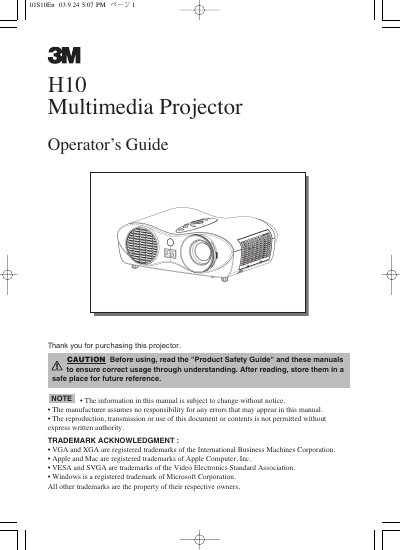
The manual provides instructions for setting up the H10 multimedia projector, including arranging the installation distance based on screen size, attaching the base, and connecting various input devices such as RGB, video, S-video, and component ports. It details how to use the remote control and built-in buttons to power the device, select signals, adjust volume, and correct keystone distortions.
Allow the lamp bulb to cool for at least 45 minutes before unplugging and flipping over the projector.
The adjustment range of the elevator feet is 0 to 9 degrees.
Pressing the VIDEO button on the projector or remote control toggles between these signal ports.